


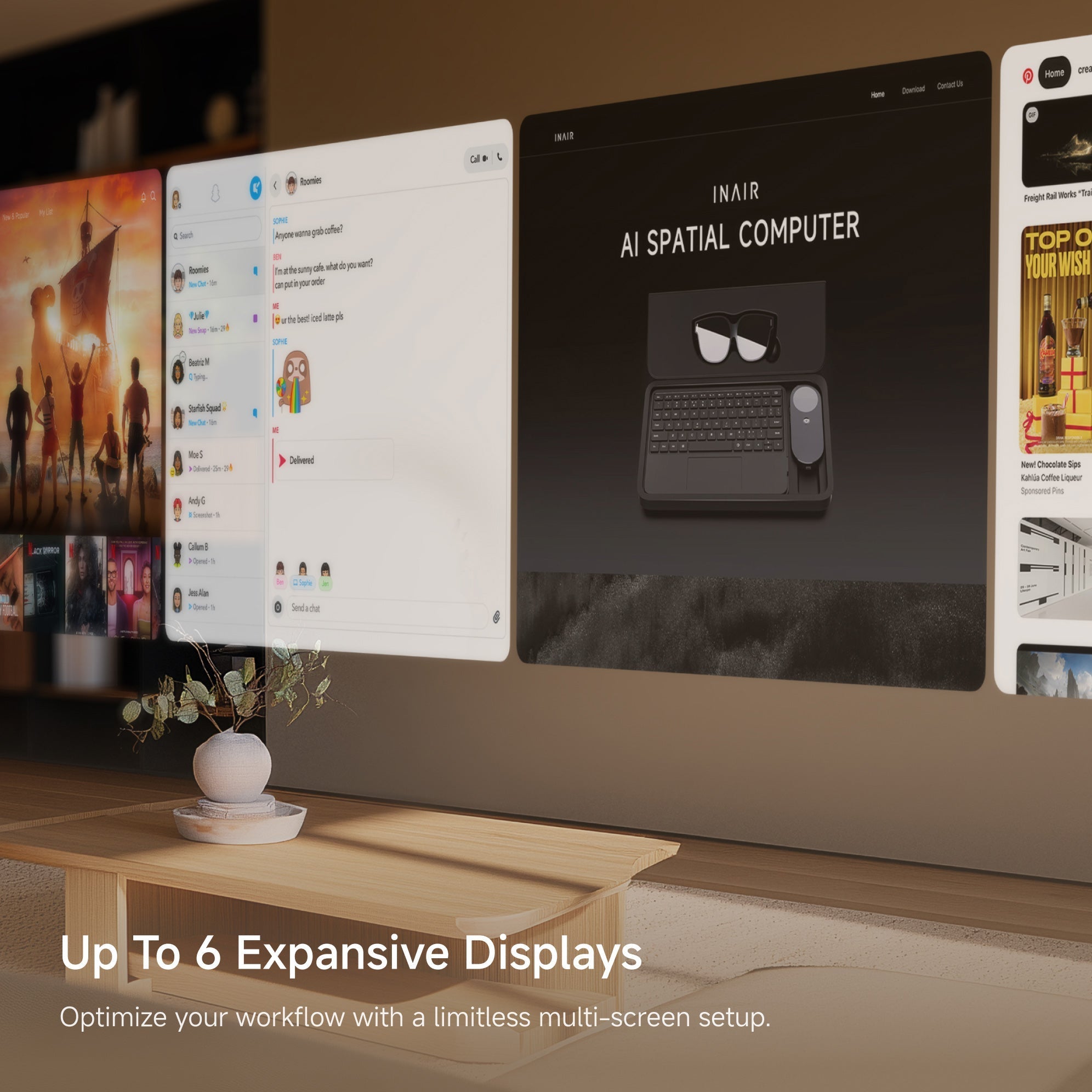
In today's fast-paced world of remote work and digital nomading, juggling multiple tasks has become the norm. Whether you're a developer flipping between code editors, API docs, and debug consoles, or a content creator editing videos while sourcing assets and checking social engagement, everyone’s hunting for that perfect portable multi-screen workspace. Traditional fixes like stacking physical monitors eat up desk space and aren't practical—especially if you're always on the go, traveling, or working from coffee shops.
Enter 2025's game-changer: spatial computing technology. The INAIR AI Spatial Computer, with its sleek AR glasses and compact INAIR Pod, lets you fire up up to 6 virtual screens anytime, anywhere. This isn't just adding more displays—it's a total boost to your productivity, portability, and smart workflow, turning any spot into your personal multi-screen office.
Why Multi-Screen Setups Are a Productivity Powerhouse (Backed by Real Data)
Studies show that going multi-monitor can seriously amp up your efficiency:
-
Dual screens alone can boost productivity by 20-50%.
-
Users with multiple displays report an average 42% jump in output (per Jon Peddie Research).
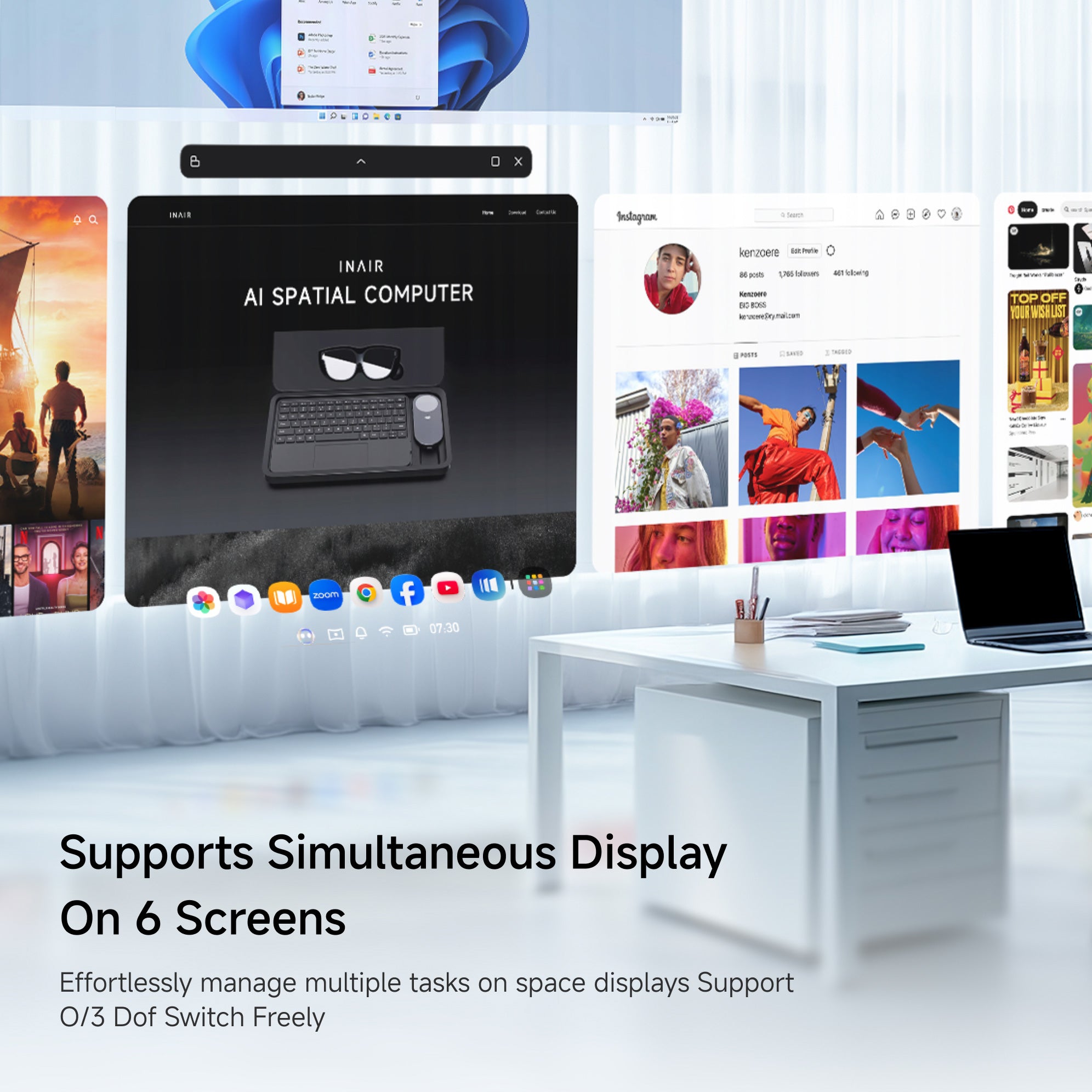
In everyday scenarios, this virtual multi-screen productivity shines:
-
Developers coding with multiple screens: Write code on one window, reference API docs on another, and watch outputs live—no more frantic tab-switching.
-
Remote workers multitasking like pros: Run a video call, edit docs, browse research, and handle emails all at once, full-screen style.
-
Content creators streamlining workflows: Main editing software, asset library, timeline previews, and real-time chat feedback side by side.
-
Traders or data analysts monitoring everything: Multiple charts, news feeds, and spreadsheets open simultaneously.
On a single laptop screen, this would drive you nuts. But with INAIR's AR multi-screen setup, it feels smooth and intuitive.
How INAIR Delivers a Truly Borderless Virtual Multi-Screen Experience
At the heart of it all is the INAIR Pod—a pocket-sized computing hub (about the size of a USB drive) powered by a Qualcomm chip and running the custom INAIR OS (Android-based for spatial awesomeness). It flawlessly drives the lightweight INAIR 2 Pro AR glasses.
Standout features of the INAIR Pod:
-
Insane portability: Just 158g with a built-in 5000mAh battery for all-day power. Pair it with 77g glasses, and the whole kit fits in a small bag—hello, true portable spatial computer!
-
Epic multi-screen capabilities: Open up to 6 resizable, repositionable virtual windows. Arrange them in dual rows or use 3DoF spatial anchoring (hover mode) to pin them in real-world space—they move naturally with your head. Or switch to follow mode for always-in-view convenience.
-
Smart and efficient: Built-in AI for contextual tips, seamless Android app support, and wireless PC streaming to mix local and remote tasks.
-
Privacy and immersion boosted: Electrochromic lenses switch from transparent to opaque with a swipe. Directional audio keeps sound private, and PC privacy mode blacks out your connected screen to prevent shoulder-surfing.
-
Bonus: Real-time 2D-to-3D magic: Turn work breaks into fun—open multiple video windows, and AI converts them to stunning stereoscopic 3D for your own 135-inch private theater.
Unlike clunky physical multi-monitor rigs that hog space and require cables, INAIR gives you massive, flexible virtual real estate. Pop into a cafe, airplane, or hotel, and boom—deploy your 6 virtual screens instantly. Save space, skyrocket efficiency.
Even More Wins with INAIR's Virtual Multi-Screens
-
Sharpen focus: Less alt-tabbing means reduced cognitive load—stay locked on the task.
-
Supercharge collaboration: Pull up reference docs instantly during meetings without switching windows.
-
Seamless work-to-play switch: Pause for Netflix in glorious 3D on one screen while emails load on another.
-
Perfect for future trends: In tiny apartments or co-working spots, physical monitors aren't feasible. INAIR's AR virtual multi-screen nails it.
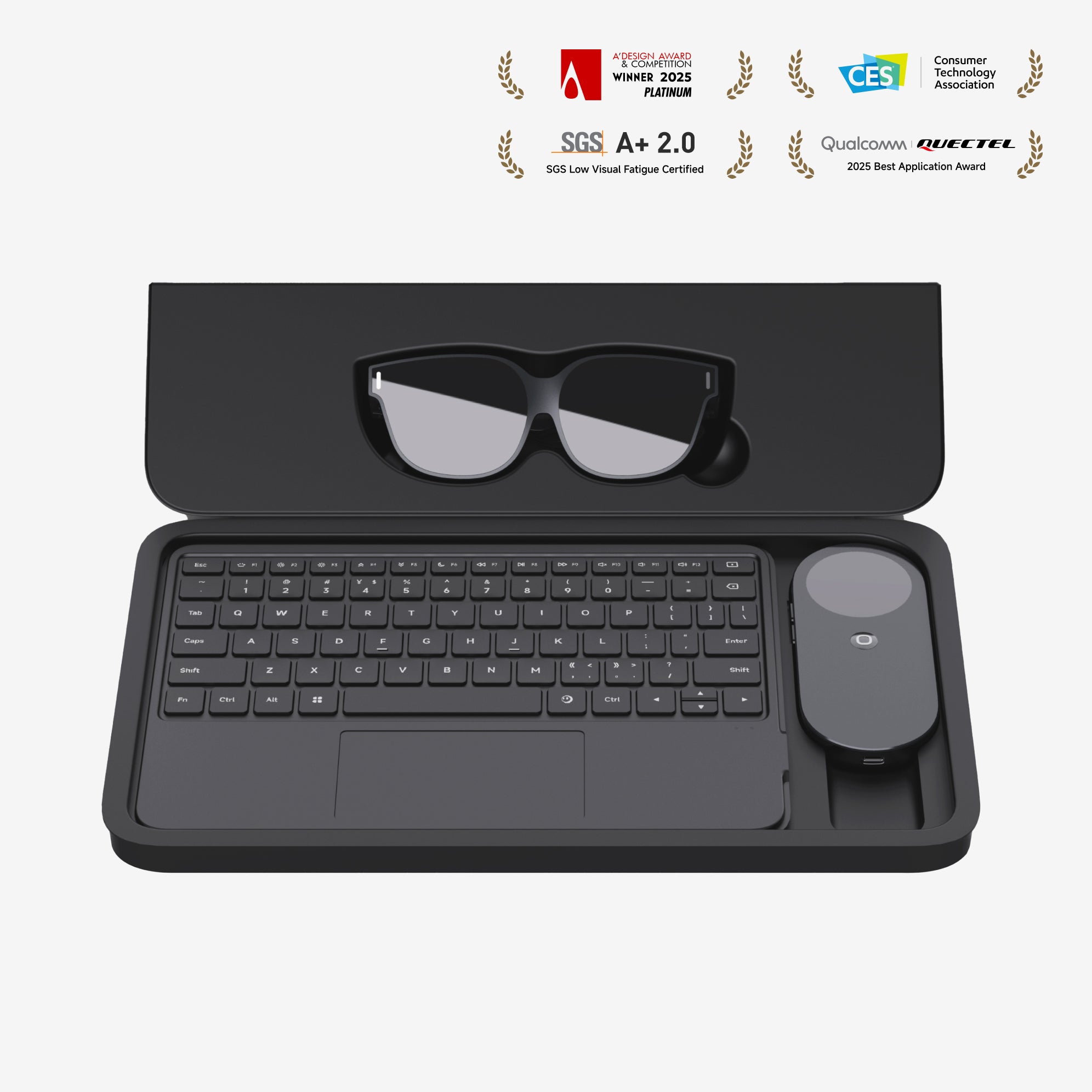
INAIR isn't just AR glasses—it's a full AI spatial computing ecosystem: glasses + Pod + touch keyboard for smart, unbound productivity. In 2025, picking INAIR means freedom and next-level output.
If you're searching for the best AR multi-screen solution for productivity or a portable multitasking powerhouse, INAIR is a total standout. Head over to the official site at inairspace.com and dive in!
FAQs: Your Top Questions on INAIR's Multi-Screen Magic Answered
Q1: How many windows can INAIR handle at once, and is it smooth?
A: The INAIR Pod + INAIR 2 Pro combo supports up to 6 virtual windows simultaneously. Thanks to powerful hardware and optimized OS, everything runs buttery smooth—with easy resizing, positioning, and layouts. Mix local Android apps and remote PC streaming without lag.
Q2: Do I need extra gear for multi-screens? How portable is it?
A: Nope—just the Pod and AR glasses for the full 6-screen experience. The Pod is ultra-light (158g) with solid battery life for half-day mixed use. The whole system is super travel-friendly—ideal for remote work, trips, or casual setups.
Q3: What's the edge over traditional physical multi-monitors?
A: Virtual screens take zero physical space, expand endlessly (up to a 135-inch equivalent), offer 3DoF spatial interaction, total privacy (no one sees your display), and real-time 3D conversion for entertainment. Physical setups are bulky and wired—INAIR deploys anywhere in seconds.
Q4: Can I connect it to my computer for extended multi-screens?
A: Absolutely! With the INAIR SPACE app, you can choose between wired connections to open up to four windows simultaneously or wireless PC streaming to remotely access Windows/Mac systems and expand them into multiple AR windows. Run local applications alongside them for the ultimate hybrid multitasking experience.
Q5: Will extended multi-screen use tire my eyes?
A: The INAIR 2 Pro uses Micro-OLED displays with 120Hz refresh and high pixel density (49 PPD) for blur-free edges. At just 77g with adjustable nose pads, it's comfy for hours. Electrochromic lenses let you toggle real-world views to rest your eyes.
Drop a comment with your favorite multi-screen scenarios or what you're excited about with INAIR—we'd love to hear! 🚀
Share:
Unlock the Full Potential of Your AR Glasses: Why the INAIR Pod is the Universal Key to Spatial Computing
INAIR OS: Breaking Free from Flat Screens – The Ultimate Productivity Boost in Spatial Computing