


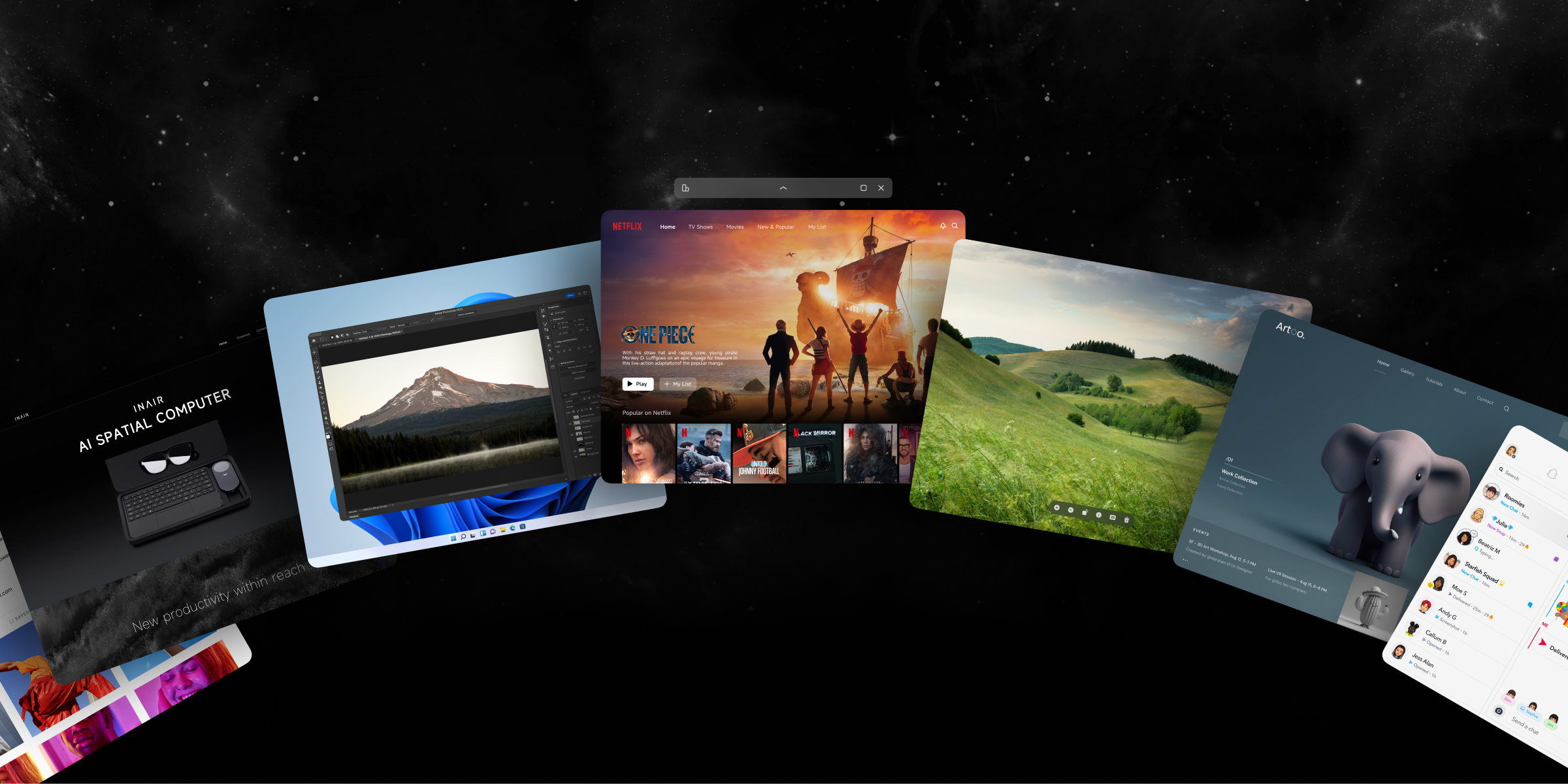
While other AR devices are still figuring out what apps they can run, INAIR has already established a comprehensive ecosystem covering work, creation, and entertainment. Whether you're a professional handling complex tasks or a content consumer seeking the ultimate entertainment experience, INAIR delivers a seamlessly connected digital experience.
Full Platform Compatibility: A Smart Ecosystem Breaking Device Boundaries
Seamless System Integration
Built on the independently developed INAIR OS spatial operating system, INAIR achieves seamless integration with the mobile app ecosystem:
-
Ready-to-Use: Directly download your favorite mobile apps from the app store.
-
Perfectly Adapted: Interfaces and interactions are specially optimized for the AR environment.
-
Data Syncing: Cloud-based real-time data synchronization ensures your workflow is never interrupted.
Real User Scenario: "From communicating on DingTalk and editing documents in WPS to joining meetings on Tencent Meeting—all my essential mobile work apps run perfectly on INAIR. And doing it all on a massive screen is even more efficient Seamless Desktop Extension
Through advanced wireless streaming technology, INAIR brings your desktop experience into the spatial computing era:
-
Windows/Mac Connectivity: Effortlessly project your entire computer desktop into your AR space.
-
Professional Software Support: Smoothly run power-house software like Photoshop, CAD, and more by streaming from your primary device.
-
File System Interoperability: Directly access files and data from your computer.
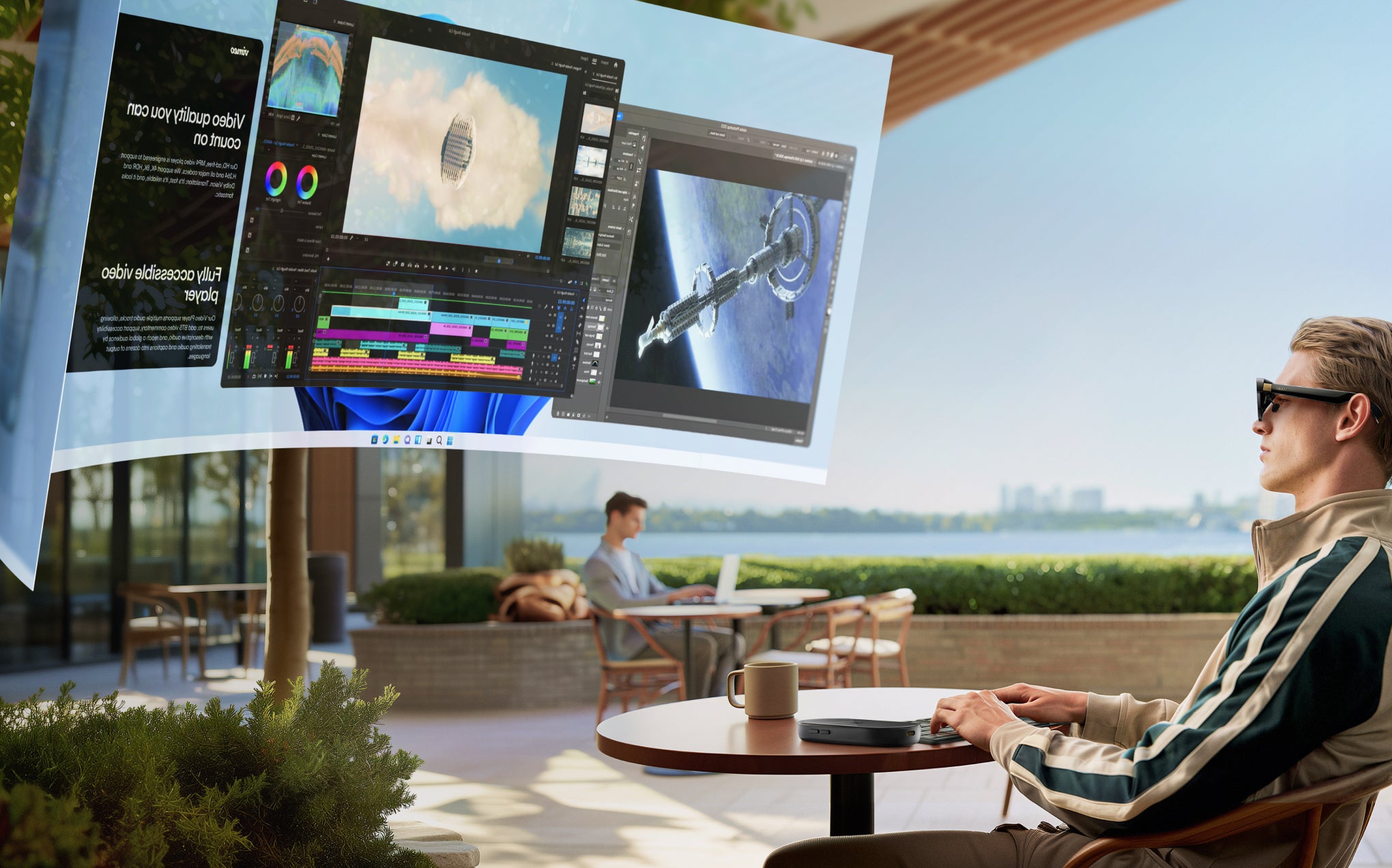
Multitasking: Redefining Productivity
Spatial Multi-Window Experience
INAIR's multitasking capabilities represent a quantum leap compared to traditional devices:
-
Six Windows Simultaneously: Run multiple applications at once with all information visible at a glance.
-
Free-Form Layout: Freely arrange window positions based on your task requirements.
-
Quick Switching: Seamlessly switch between apps using intuitive gestures or voice commands.
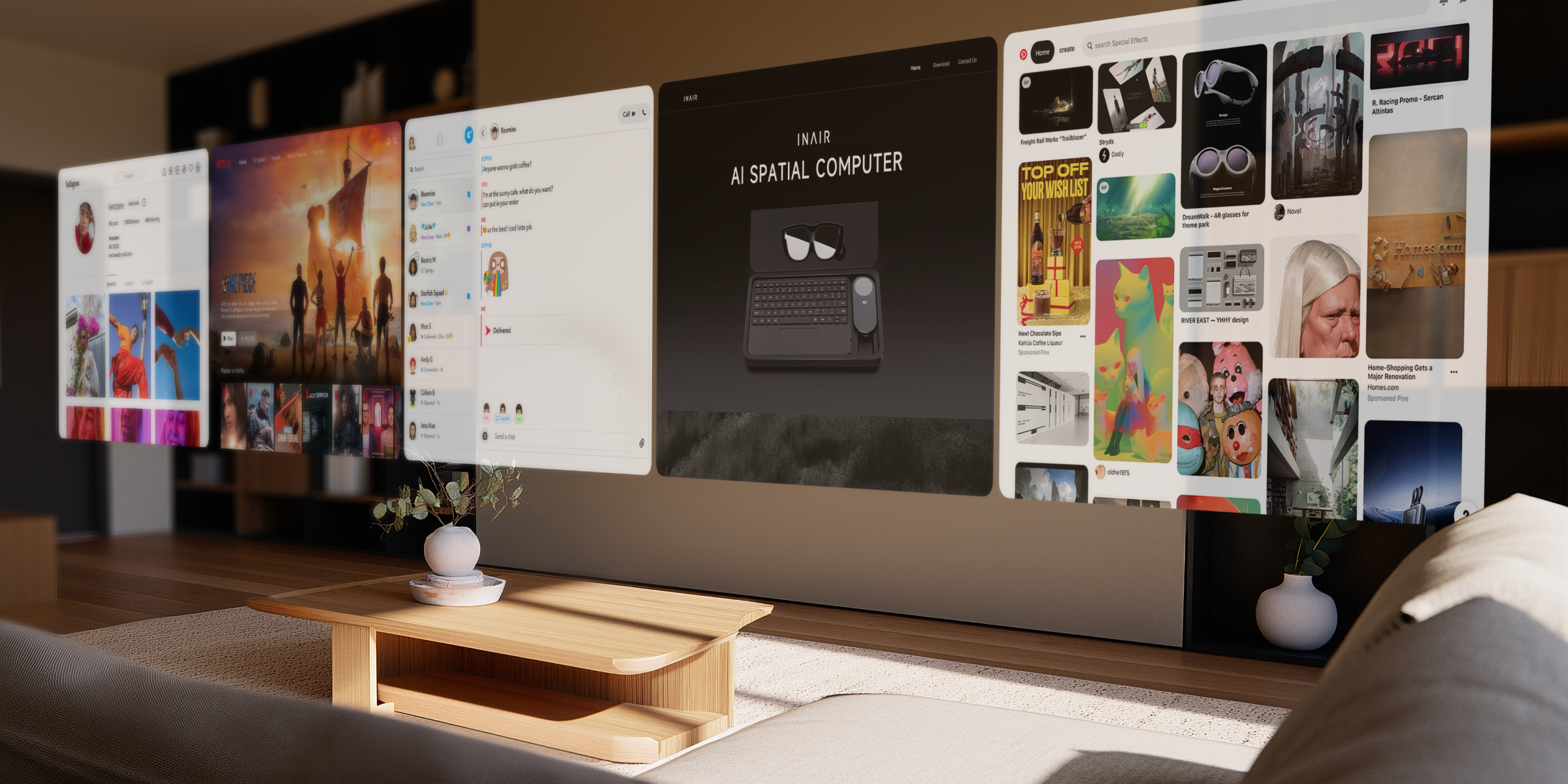
Smart Workflow Optimization
-
Scenario Modes: Switch seamlessly between pre-configured modes for work, design, or entertainment.
-
App Combinations: Customize and save your favorite app combinations for instant workflow activation.
-
AI Assistant: An embedded, proactive AI helps boost your efficiency throughout the day.
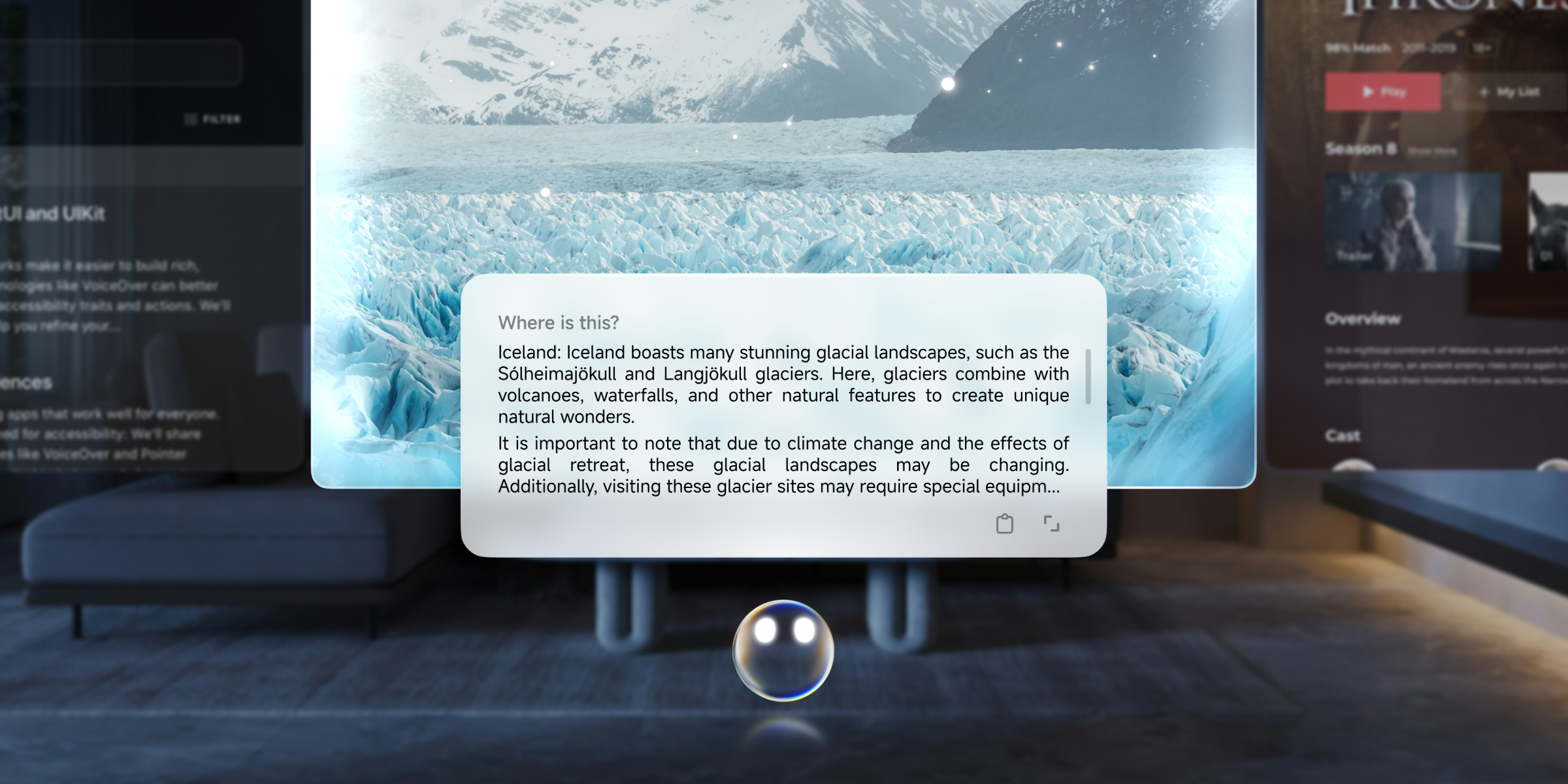
Entertainment Ecosystem: The Ultimate Private Cinema Experience
Full Platform Content Support
-
Streaming Services: Enjoy major platforms like YouTube, Tencent Video, Netflix, and more.
-
Gaming Experience: Dive into cloud gaming and Android games with a deeply immersive large-screen feel.
-
Social Entertainment: Apps like TikTok and Bilibili are perfectly adapted for the AR experience.
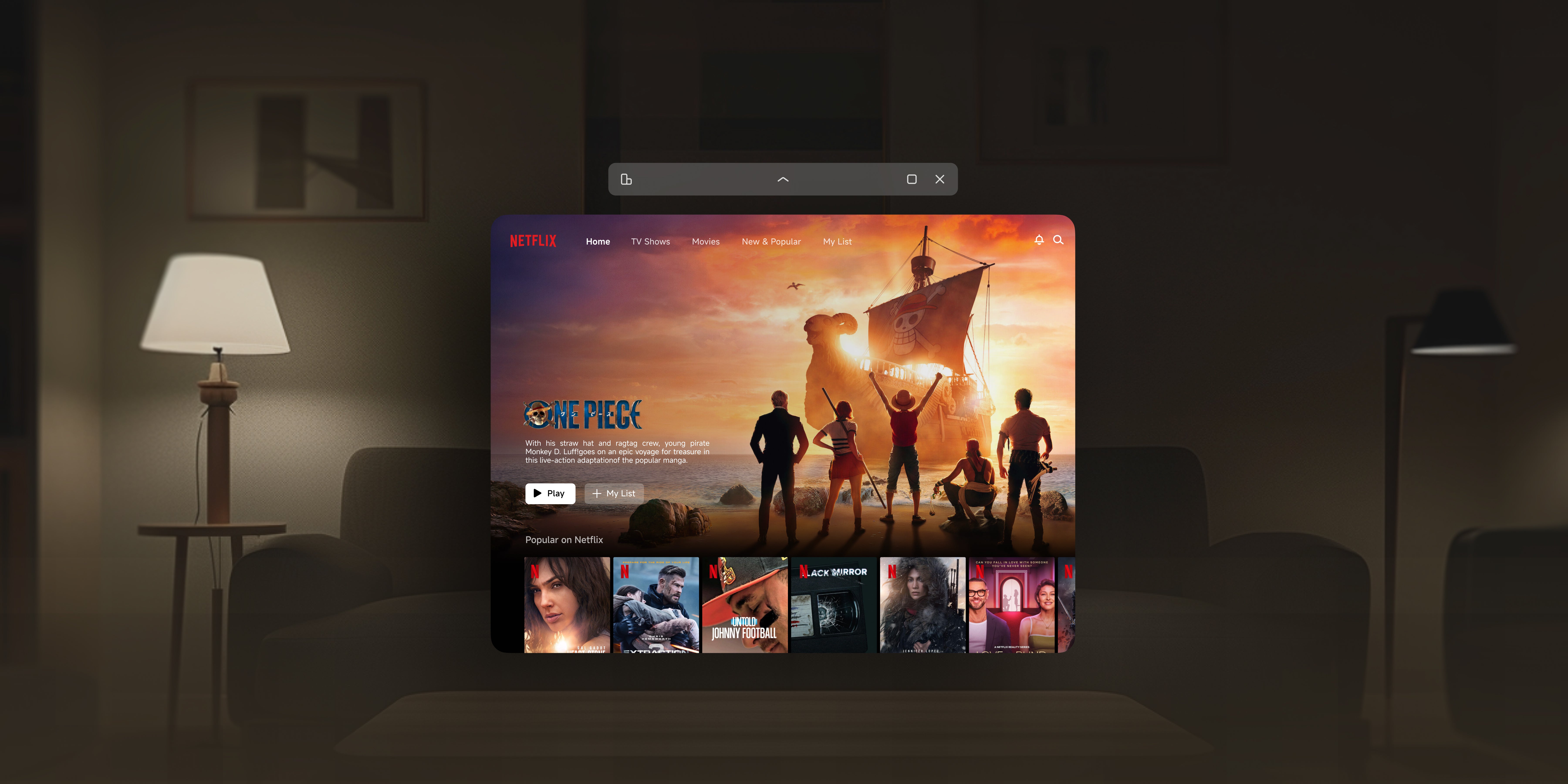
Immersive Entertainment Innovation
"Watching Netflix on INAIR feels like having a personal IMAX theater. And being able to browse social media at the same time is an experience traditional devices simply can't match."
Comparison with Traditional AR Device Ecosystems
| Ecosystem Dimension | Traditional AR Devices | INAIR AR Glasses |
| Number of Applications | Limited dedicated apps | Vast library of ready-to-use Android apps |
| Cross-Platform Capability | Closed ecosystem | Full-platform support (Windows/Mac/Android) |
| Multitasking | Single-application operation | Six simultaneous windows |
| Data Synchronization | Manual import/export required | Real-time cloud synchronization |
| Professional Software | Basically unsupported | Desktop-level professional software support |
| Update Frequency | Slow application updates | Synchronized updates with mainstream app stores |
Answers to Frequently Asked Questions
Q: Can INAIR completely replace my laptop?
A: For most office and entertainment needs, yes, INAIR can effectively replace a laptop. It not only runs mobile apps but also accesses desktop software via streaming. For specialized tasks requiring maximum processing power, we recommend pairing it with a high-performance computer.
Q: Is an internet connection required for all features?
A: Local apps and basic functions work offline. However, features like desktop streaming, cloud gaming, and certain online services require an active internet connection. For the best experience, we recommend using INAIR in a stable Wi-Fi environment.
Q: Does the system receive regular updates? How frequent are they?
A: Yes! INAIR OS follows an agile development model, with regular updates for new features and experience optimizations. As a self-developed system, we can quickly incorporate user feedback to continuously refine and improve the experience.
Conclusion: A Superior Ecosystem Defines the User Experience
In today's competitive AR landscape, the completeness of the ecosystem directly determines the quality of the user experience. By building a robust ecosystem that spans mobile, desktop, and professional domains, INAIR delivers on the promise of "One Device, All Scenarios Covered."
Want to learn more about the INAIR Spatial Computer?
Visit our official website inairspace.com or contact us.
Share:
Why INAIR AR Glasses Deliver an Unmatched Display Experience: Tackling the Core Pain Points of Traditional AR Glasses
The Ultimate INAIR AR Glasses Compatibility Guide: How One Device Unifies Your Entire Digital Ecosystem With Spatial Computing