


Why Compatibility Matters in 2025
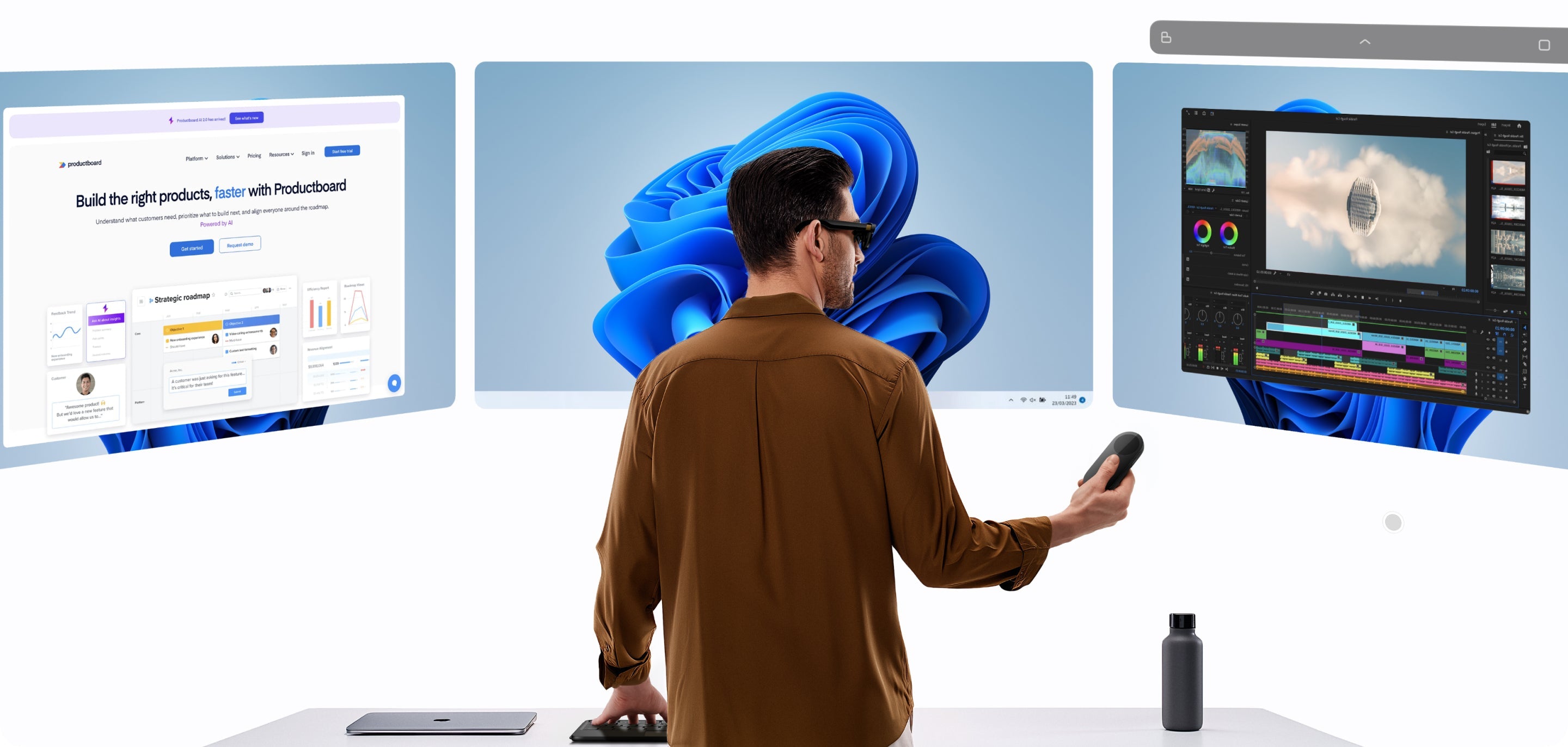
Let’s face it: we’re all juggling multiple devices every day — Windows laptops at work, iPhones for daily communication, Android tablets for entertainment, even Bluetooth headsets and game controllers for downtime. But what if you could unify all of them into one smart spatial computing ecosystem?
While other AR glasses still struggle with connection stability, INAIR has already built a powerful multi-device collaboration ecosystem. Whether you're using Windows, macOS, Android, or iOS, enjoy a truly seamless and frustration-free connection.
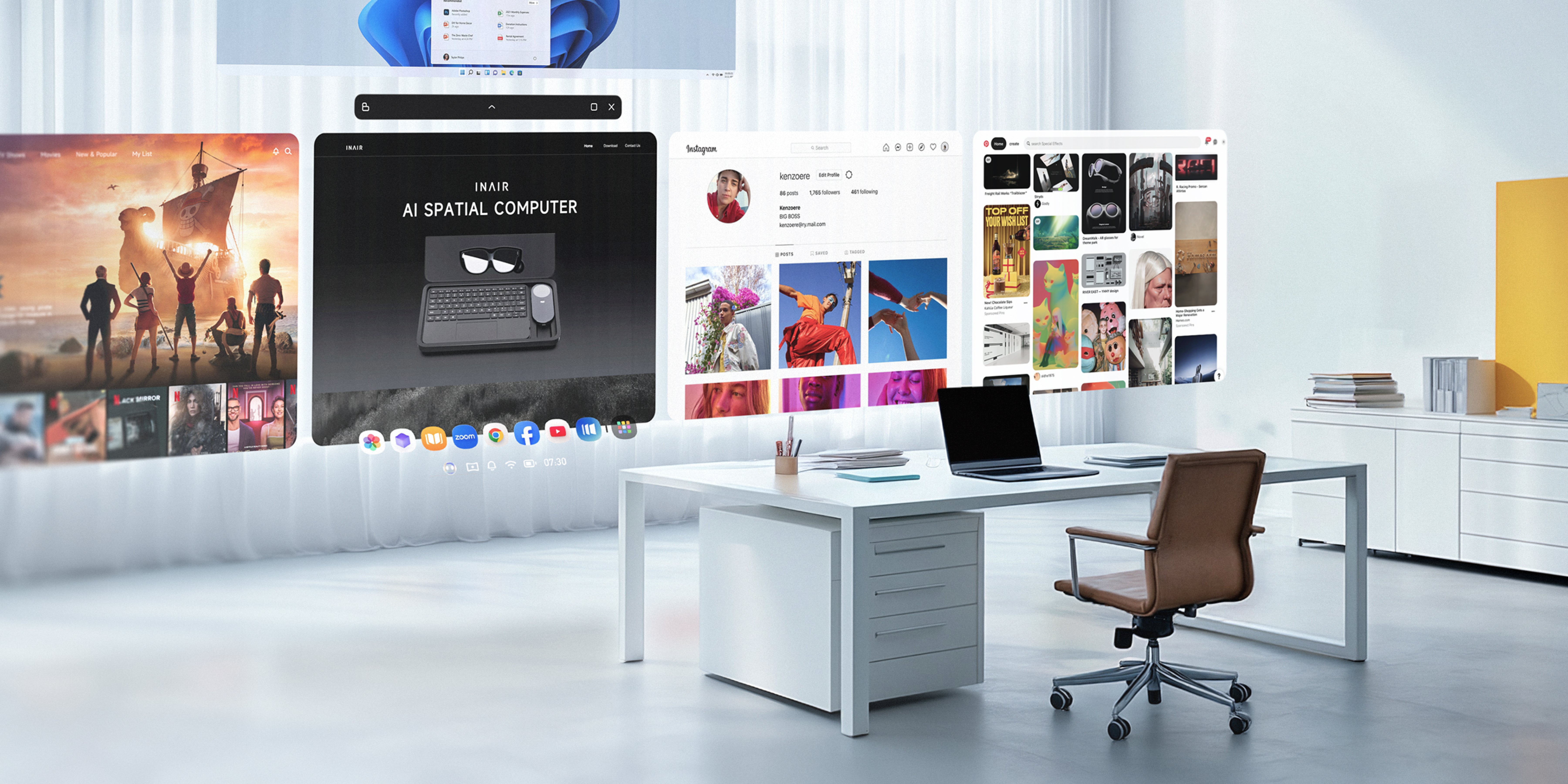
Full Platform Support: Smart Connectivity That Breaks Down OS Barriers
Connect to Your Computer: Wired & Wireless Freedom
INAIR offers flexible connectivity options for computer users:
Wired Direct Mode (Zero-Latency Experience)
-
Type-C direct connection, plug-and-play ready
-
Fully supports Windows and macOS systems
-
Ideal for professional design and precision task scenarios
Wireless Streaming Mode (Ultimate Freedom)
-
Connect wirelessly via the dedicated INAIR app
-
Use Wakey to remotely wake your computer from sleep mode
-
Perfect for mobile office setups and on-the-go productivity
Connect to Your Phone: Cross-OS Smart Integration
INAIR bridges the gap between mobile ecosystems:
Android & iOS Devices:
-
Plug-and-play functionality with full phone screen mirroring
-
Run apps directly—no reinstallation required
-
Supports Bluetooth file transfer and seamless data syncing
Standalone Mode: A Complete AR Experience, Untethered
The Unique Value of the INAIR Pod
Unlike traditional AR devices that rely on external hardware, INAIR offers a full standalone solution:
-
Independent OS: Runs on the proprietary INAIR OS
-
On-Device Processing: Run apps without connecting to a phone or computer
-
Long Battery Life: Built-in battery supports up to 4 hours of continuous use
-
Enhanced Data Security: Sensitive data is processed locally for maximum privacy
Peripheral Expansion: Build Your Custom Workspace or Entertainment Hub
Gaming & Entertainment Ecosystem
-
Gaming Controllers: Compatible with popular gamepads
-
Audio Devices: Works with all kinds of Bluetooth headphones and speakers
Productivity & Office Peripherals
-
Smart Keyboards: Use dedicated keyboards for quick shortcuts and commands
-
Presentation Tools: Connect to projectors for large-screen displays
Technical Edge: Why INAIR’s Compatibility Stands Out
Innovations in Connection Technology
-
Smart Link Management: Automatically selects the best connection method
-
Seamless Switching Tech: Switch between devices without interruption
-
Data Sync Engine: Keeps your information consistent across all linked devices
-
Power Optimization Algorithm: Balances connection stability with battery longevity
Real-World Use Cases: How Compatibility Transforms Your Digital Life
Mobile Office Scenario
“From my Windows PC at work to my MacBook at home, and my Android phone during my commute—INAIR keeps my workflow continuous across all devices. No more hassle with file transfers.”
Home Entertainment Center
-
Gaming Immersion: Connect to game consoles, PCs, and mobile games for a large-screen AR experience
-
Media Streaming: Enjoy built-in content and popular streaming apps for movies and shows
-
Visual Revolution: Turn any flat screen or app interface into immersive 3D with one click

Frequently Asked Questions (FAQs)
Q: How complicated is it to connect INAIR to different devices?
A: INAIR uses an ultra-simple pairing process. Just enter a pairing code once, and you're good to go.
Q: Does wireless connectivity affect stability or cause lag?
A: With our dedicated connection optimization, INAIR delivers excellent stability even in wireless mode.
Q: Can I connect multiple source devices at the same time?
A: The glasses connect to one primary computing device at a time, but you can still pair Bluetooth accessories like headphones or keyboards.
Q: How compatible is INAIR with older phone or computer models?
A: INAIR supports most mainstream devices. For wired connection, your phone must support video-out via USB-C. Check our official website for details or contact us—we continuously release compatibility updates.
Q: Is my data secure when syncing across devices?
A: Yes. All data transfers are encrypted using industry-standard security protocols to protect your privacy.
Share:
INAIR AR Glasses Ecosystem Experience: How One Device Can Replace Your Laptop, Tablet, and Monitor
Why AR Glasses Are the Next-Gen Smart Terminal? INAIR Redefines Future Digital Living