


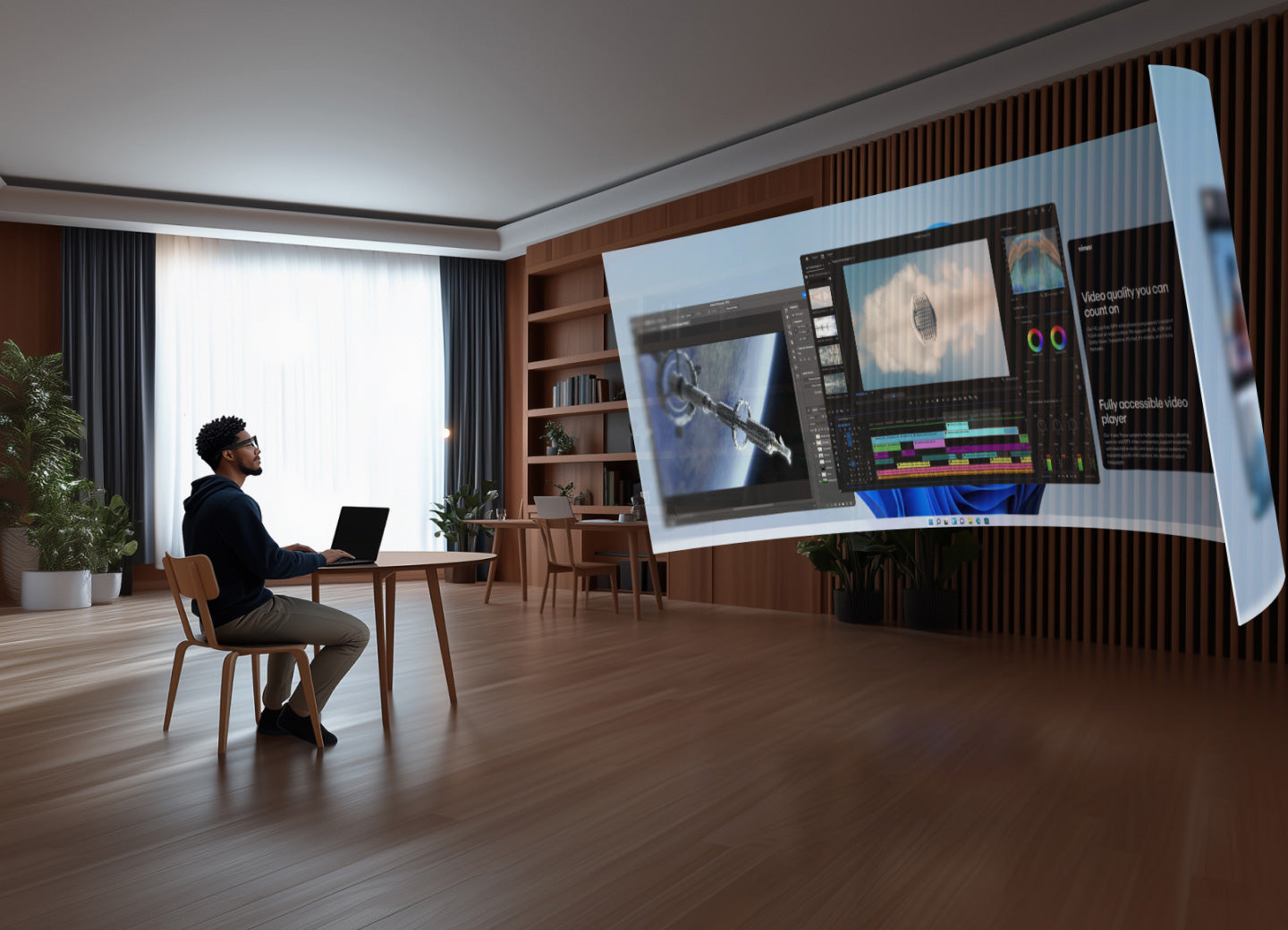
With augmented reality (AR) technology maturing, AR glasses have evolved from being geeky gadgets to becoming the next-generation computing platform that boosts productivity and transforms entertainment experiences. With a wide range of options flooding the market, how can you avoid the pitfalls and pick a pair of AR glasses that perfectly suit your needs and offer an outstanding experience? This professional guide breaks down the core factors to consider, helping you make an informed decision.
Define Your Core Needs: What Do You Want to Use Your AR Glasses For?
Before diving into the specs, ask yourself a simple question: What will I primarily use them for?
-
Entertainment-focused: If you're looking for something lightweight with stunning visuals for watching movies or playing cloud games.
-
Mobile office: If you need multi-tasking capabilities, efficient input methods, and long battery life for work on the go.
-
Immersive experiences & exploration: If you're into 3D content, spatial videos, and mixed-reality interactions.
-
All-purpose: If you want a pair of glasses that can serve both work and play, and everything in between.
Identifying your needs will help you quickly eliminate unsuitable options and focus on the key features that matter most.
Pro Buying Guide: 6 Core Factors to Consider
1. Display Quality: Clarity is Key for Immersion
-
Key Specs: Resolution, field of view, brightness, contrast.
-
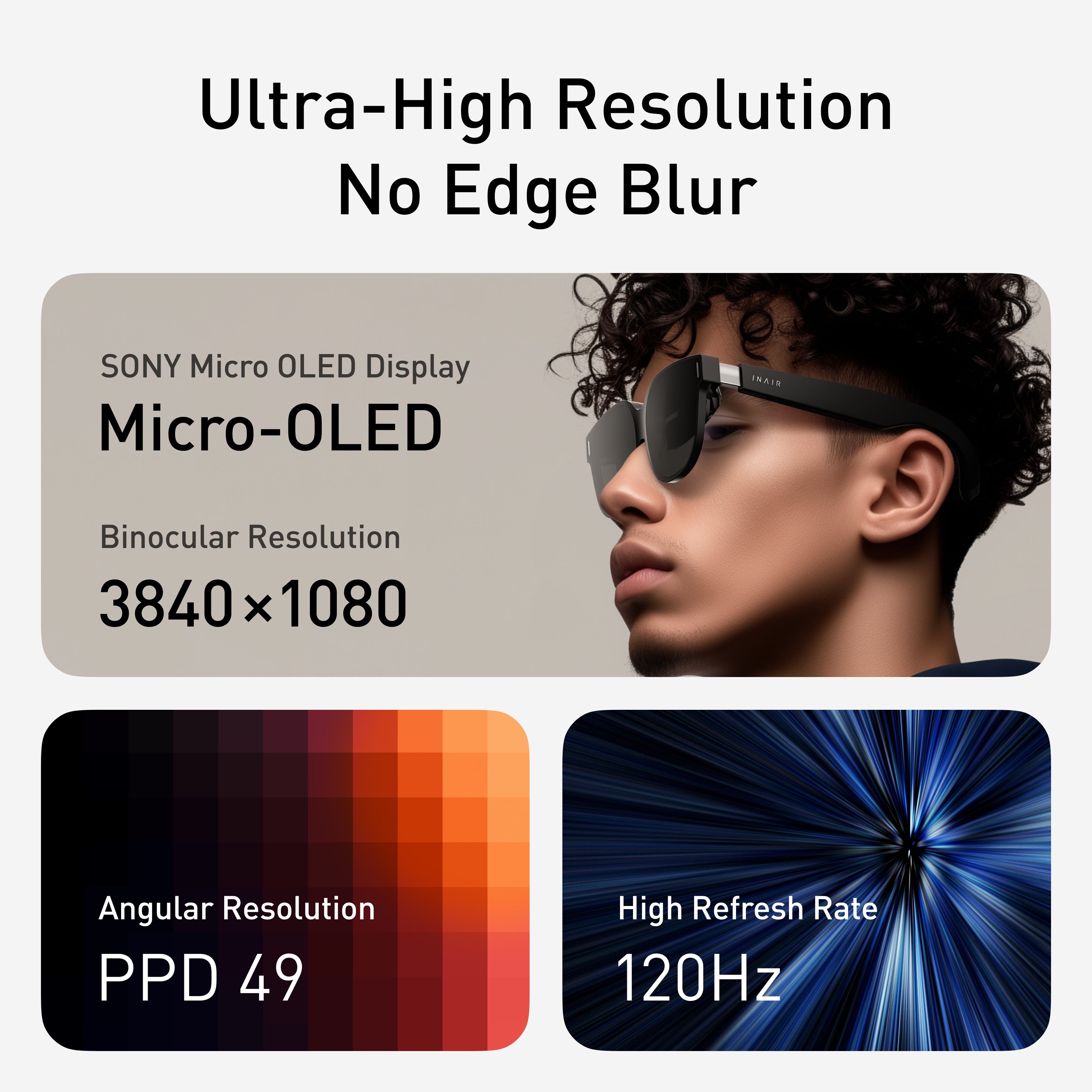
Pitfall to Avoid: Don’t just glance at the numbers. Pay attention to edge clarity. Some products may have blurry or distorted edges, leading to eye strain over time. A great optical design ensures sharpness and clarity across the entire display.
-
Expert Tip: Look for models with advanced optical solutions and high-quality Micro-OLED screens for cleaner, brighter images.
2. Comfort: The Longer You Wear, the Better It Feels
-
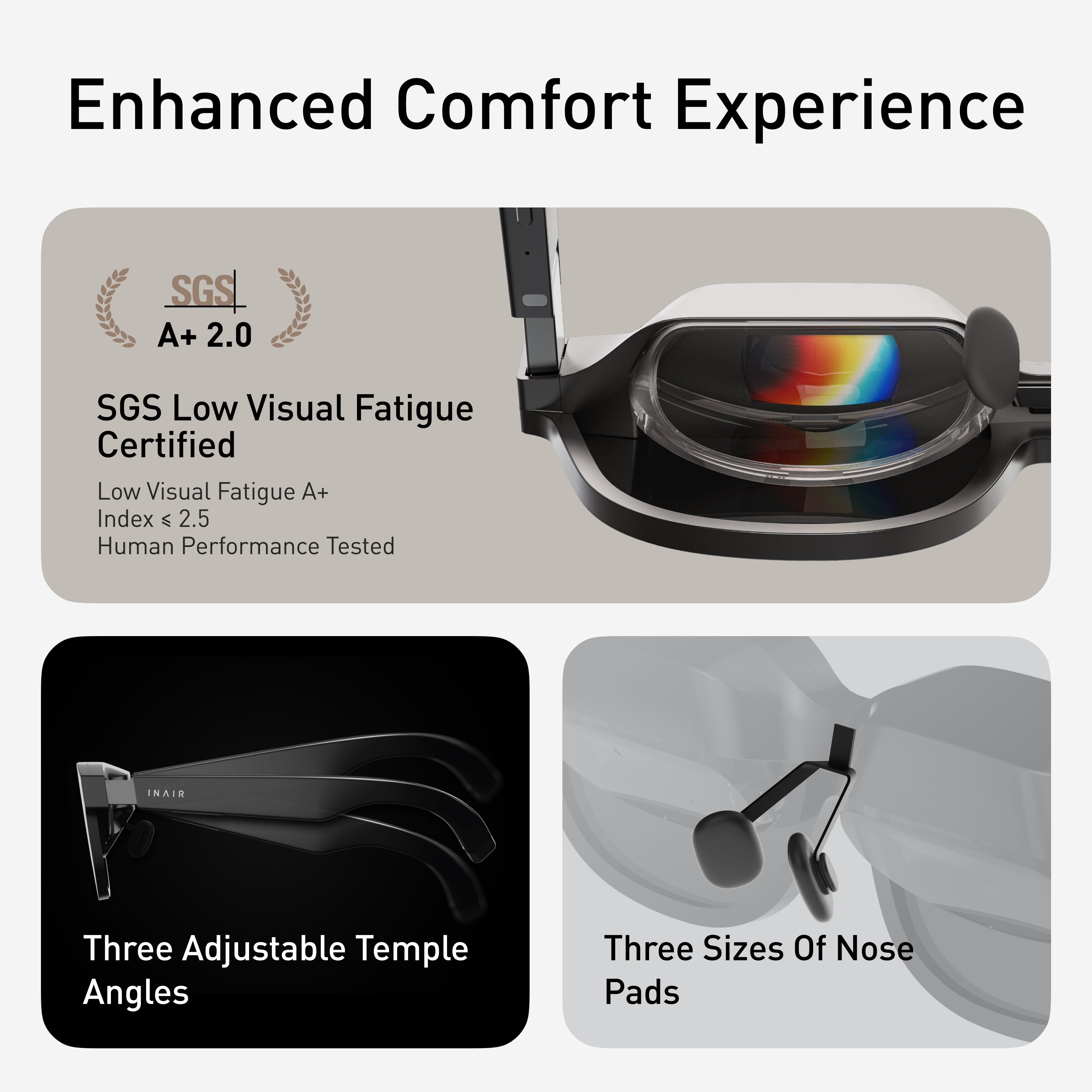
Key Specs: Weight, weight distribution, nose pads, and frame material.
-
Pitfall to Avoid: Heavy glasses or poor weight distribution can cause discomfort around the nose and temples. Some models even suffer from poor heat dissipation, making the frame feel hot during extended use.
-
Expert Tip: Choose lightweight models with balanced weight distribution (evenly spread between the nose pads and temples). Adjustable, skin-friendly materials will suit various face shapes.
3. Interaction and Ecosystem: Is It a Display or a Computer?
-
Key Considerations: Interaction methods, operating system, app ecosystem.
-
Pitfall to Avoid: If your glasses function only as an external monitor, they miss the point of AR. A closed ecosystem may limit the apps you can install or use.
-
Expert Tip: Opt for devices with natural interactions (such as gestures and voice control) and a comprehensive spatial operating system. An open, resource-rich app ecosystem is crucial for expanding your glasses’ capabilities.
4. Connectivity and Compatibility: How Well Does It Fit Into Your Digital Life?
-
Key Considerations: Connectivity options, device compatibility.
-
Expert Tip: Ideal products should support various connection modes—wired connections to phones or computers, wireless streaming, and even have an independent computing unit to free you from cables. Ensure it works smoothly with your main devices (Windows, macOS, Android, iOS).
5. Visual Health and Privacy Protection: Often Overlooked Details
-
Key Considerations: Eye care certifications, imaging principles, privacy features.
-
Expert Tip: Choose models certified for eye protection, with long-distance imaging technology to reduce eye strain. Look for privacy features like anti-glare lenses or directional speakers, which ensure a secure experience in public spaces.
6. Unique Features: What Makes It Stand Out?
-
Key Considerations: Any "wow" factor or game-changing features. Look for surprises beyond the basics—like the ability to convert 2D content to 3D in real-time or an AI assistant that understands your intentions. These often distinguish good products from great ones.
Why INAIR Spatial Computer is Worth Considering
Based on the above rigorous criteria, the INAIR Spatial Computer stands out as a premium, all-in-one AR solution. It’s not just a pair of AR glasses; it's a full-fledged mobile computing platform.
-
Display & Comfort: INAIR uses top-tier optical designs, delivering sharp, vibrant visuals with SGS A+ eye protection certification. Its lightweight and balanced design ensure comfort for extended wear without the usual nose pressure or head squeeze.
-
Interaction & Ecosystem: Powered by the in-house INAIR OS, it supports multiple virtual screens for collaborative work. It’s much more than a "dumb monitor"—it’s a true "screenless computer" with a rich app ecosystem and powerful multitasking capabilities.
Unique Value: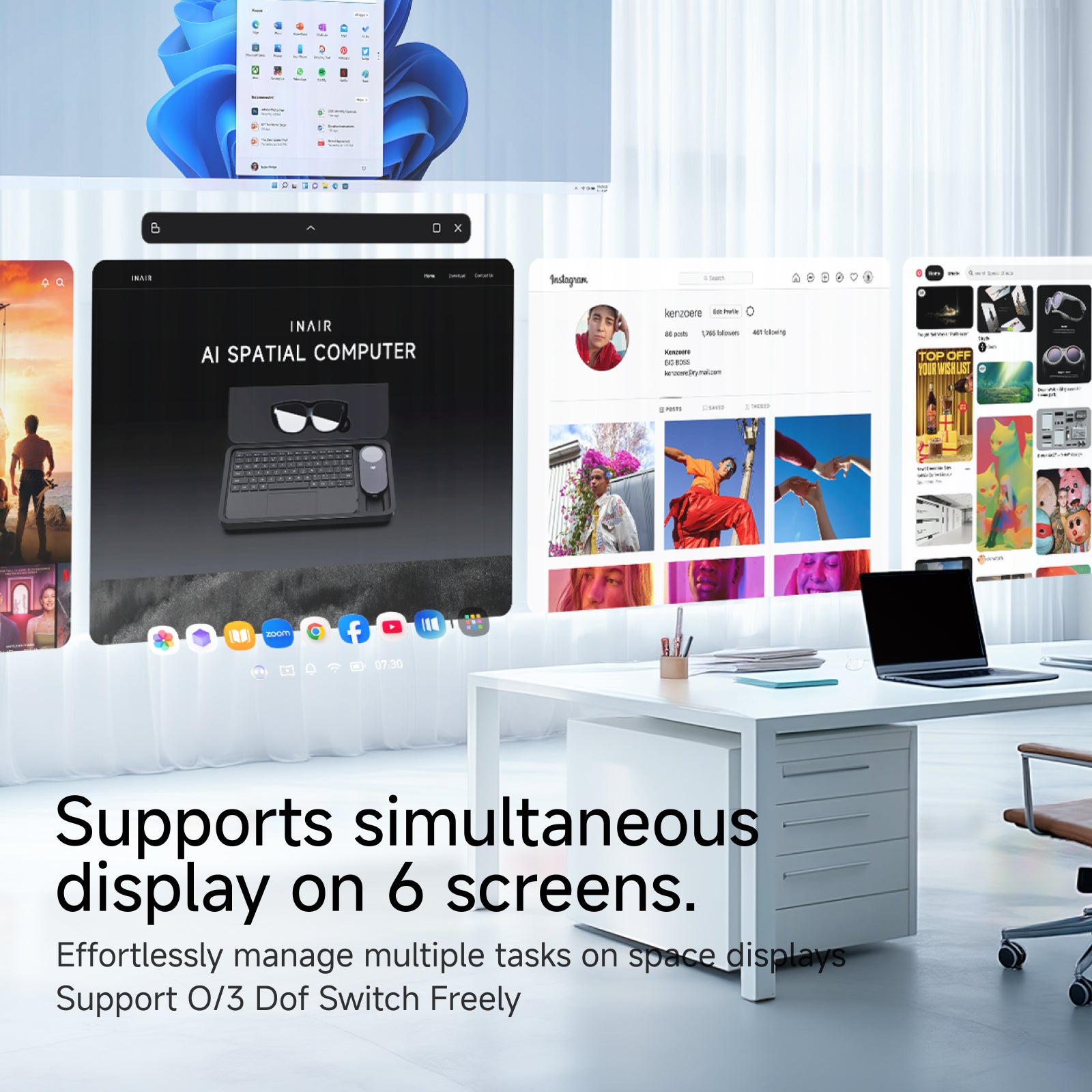
-
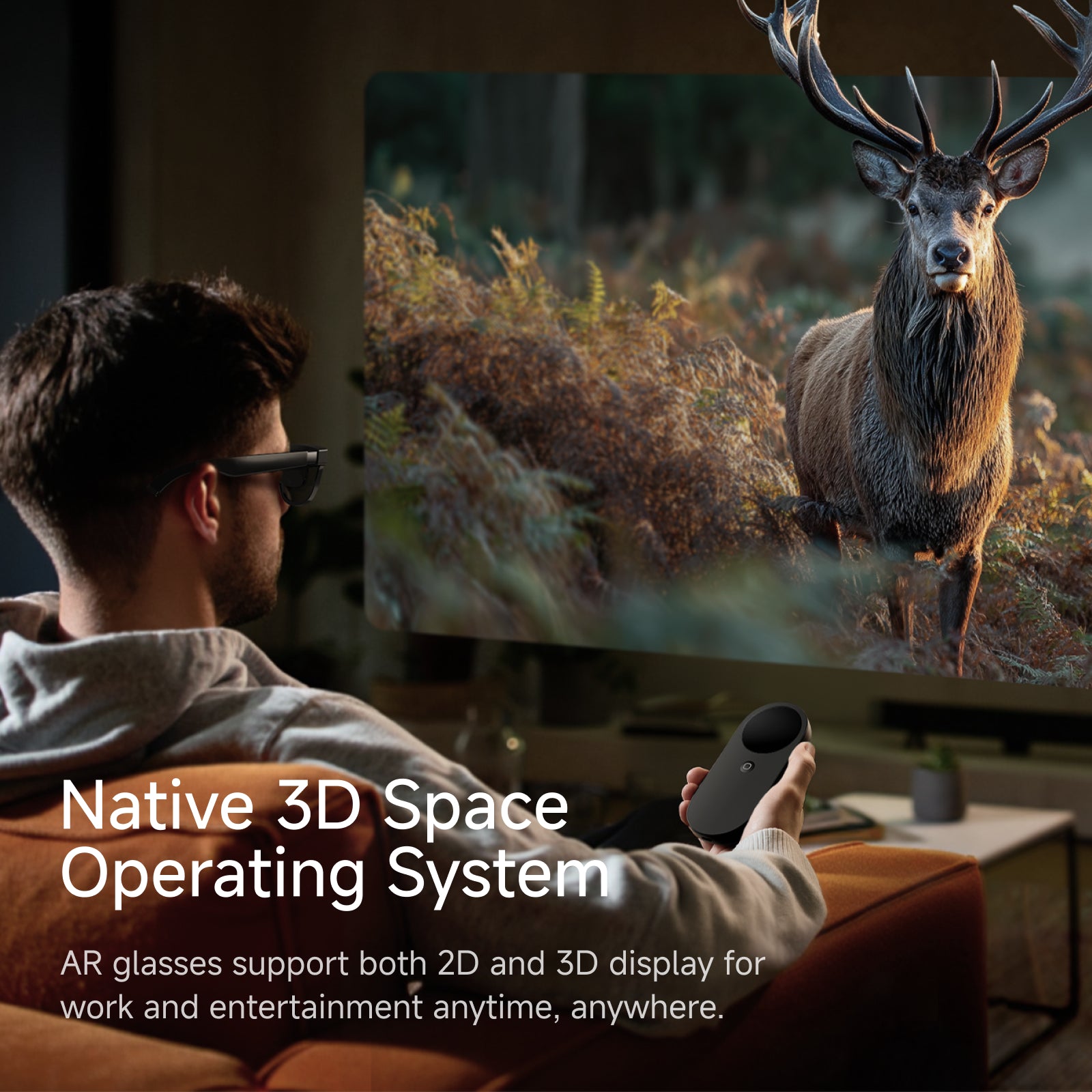
INAIR boasts several disruptive technologies: 2D content, video, or even your desktop into immersive 3D visuals—an industry-first feature.
-
Comprehensive Privacy Protection: It features electrochromic lenses for visual privacy and directional speakers to protect auditory privacy, perfect for public settings.

-
Complete On-the-Go Kit: With the glasses, main unit, and keyboard, INAIR offers a plug-and-play mobile office and entertainment solution—ideal for business trips and travel.

FAQs: Common Questions About AR Glasses
Q1: Is a larger field of view always better?
A: Not necessarily. While a larger field of view can enhance immersion, it requires more power, higher hardware specs, and better optical design, which could lead to bulkier, more expensive glasses. The key is finding the right balance between field of view and resolution. A moderate field of view with high resolution often offers a better experience than a large but blurry one.
Q2: Do I need to buy a separate computing unit for my AR glasses?
A: It depends on your needs. If you're only using them for entertainment, connecting to your phone or PC may be sufficient. But for a full, independent spatial computing experience—such as multitasking and running specialized apps—a strong computing unit (like the INAIR Pod) is essential.
Q3: Is the 3D function in AR glasses like regular 3D movies?
A: Most AR glasses require specific 3D content, but with devices like INAIR, the real-time 2D to 3D technology is groundbreaking. It converts regular movies, games, and even web pages into 3D, greatly expanding the sources of 3D content.
Q4: How do I ensure that the AR glasses I purchase have good software support and updates?
A: Choose brands with in-house development capabilities and a commitment to ongoing support. Check the frequency of firmware updates, read reviews from tech media, and monitor the activity within user communities to gauge their software support.
Conclusion
Choosing the right AR glasses is a thoughtful process that requires a balance of display quality, comfort, interaction, ecosystem, and unique features. In a crowded market, this guide will help you navigate the options and make a smart decision.
If you're looking for a device that blends professional office use with immersive entertainment, and offers clear display quality, comfort, an open system, and cutting-edge technology, INAIR Spatial Computer should definitely be on your radar.
Head to inairspace.com or the Amazon INAIR official store and unlock your AR era today!
Share:
How AR is Transforming Everyday Life: INAIR Spatial Computer Unlocks Endless Possibilities for Work and Play
Beyond Imagination: What Kind of AR Glasses Do We Really Need in 2025?